How to Setup Zeetaminds Signage App in Amazon Signage Stick?
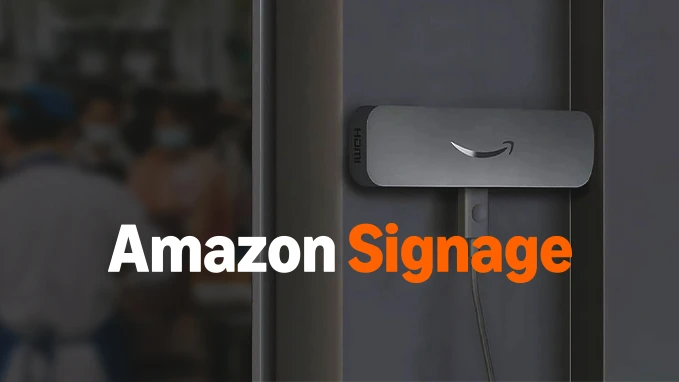
Step 1: Hardware Setup
Select your preferred setup method below to continue with either Remote or Mobile App setup.
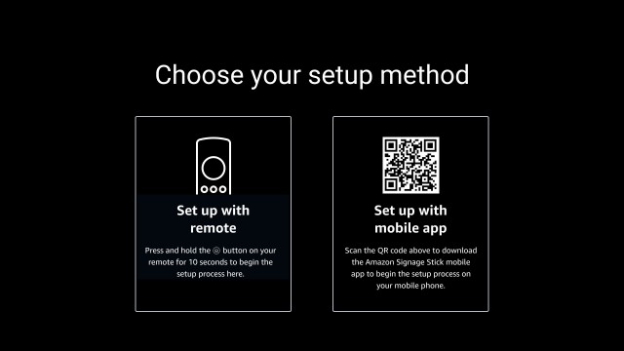
Step 2: Download Mobile App
Amazon Signage Android : 
Amazon Signage IOS : 
Step 3: Start Device Setup
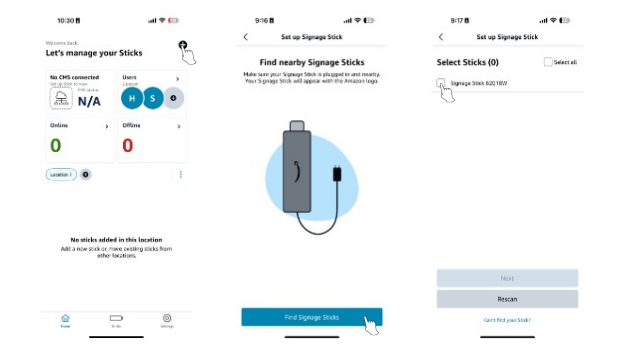
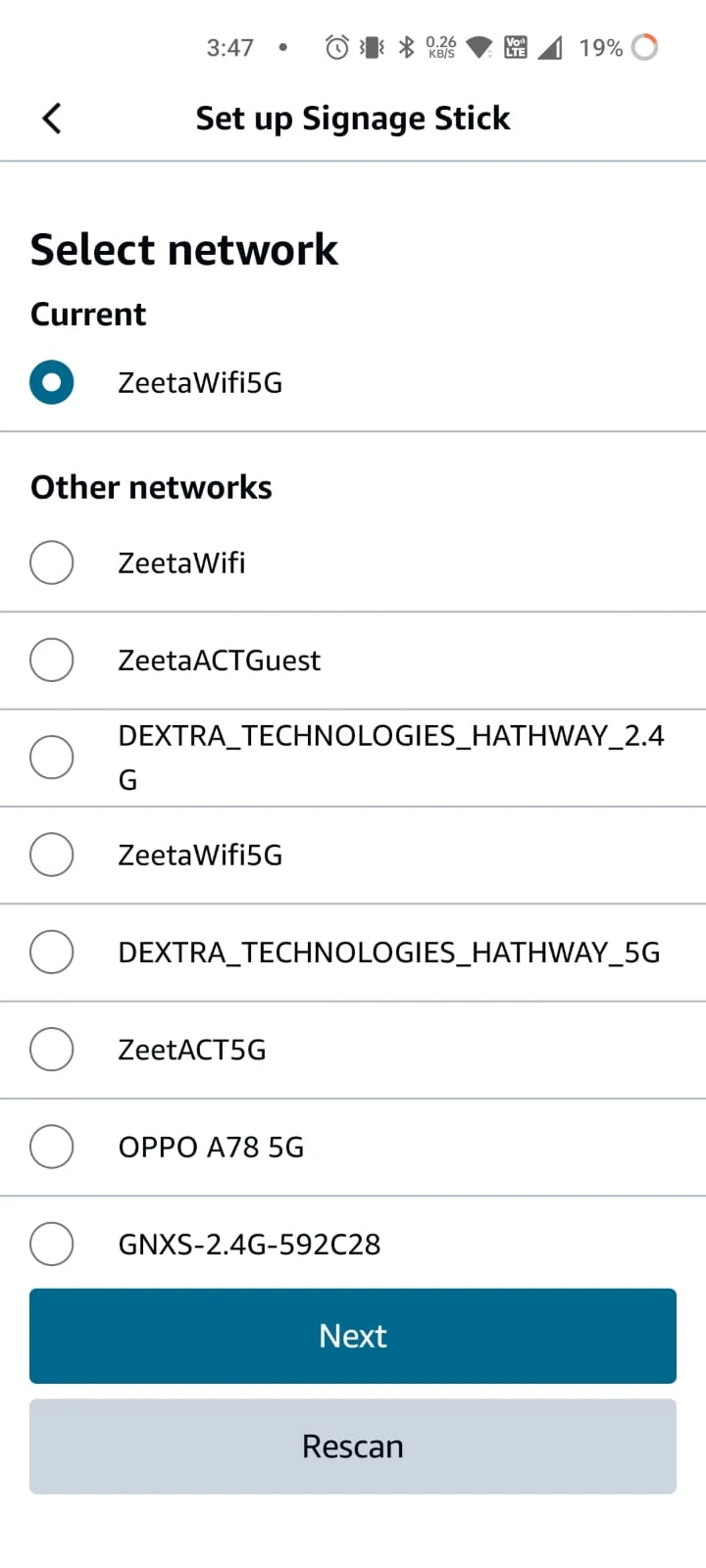
Step 4: Configure Network & CMS
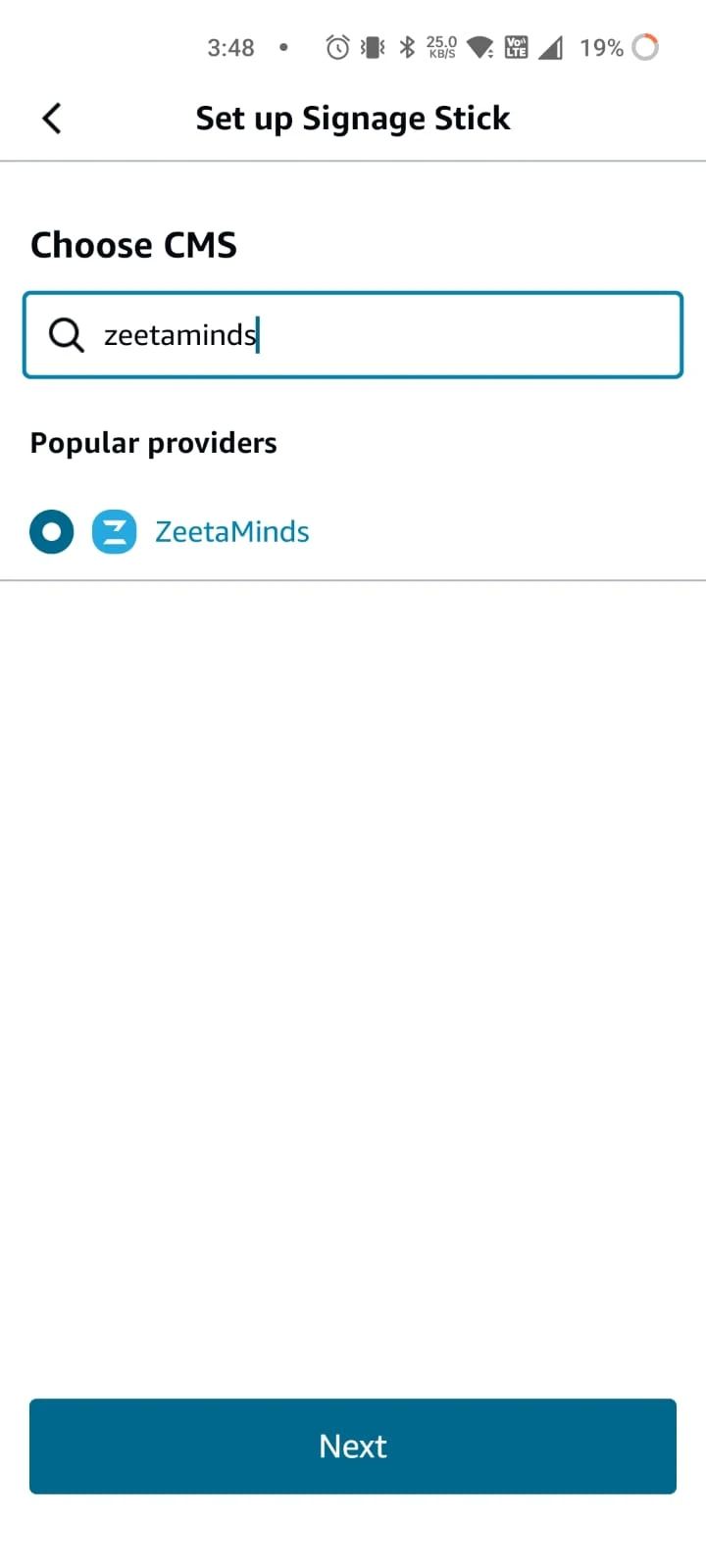
Step 5: Launch App
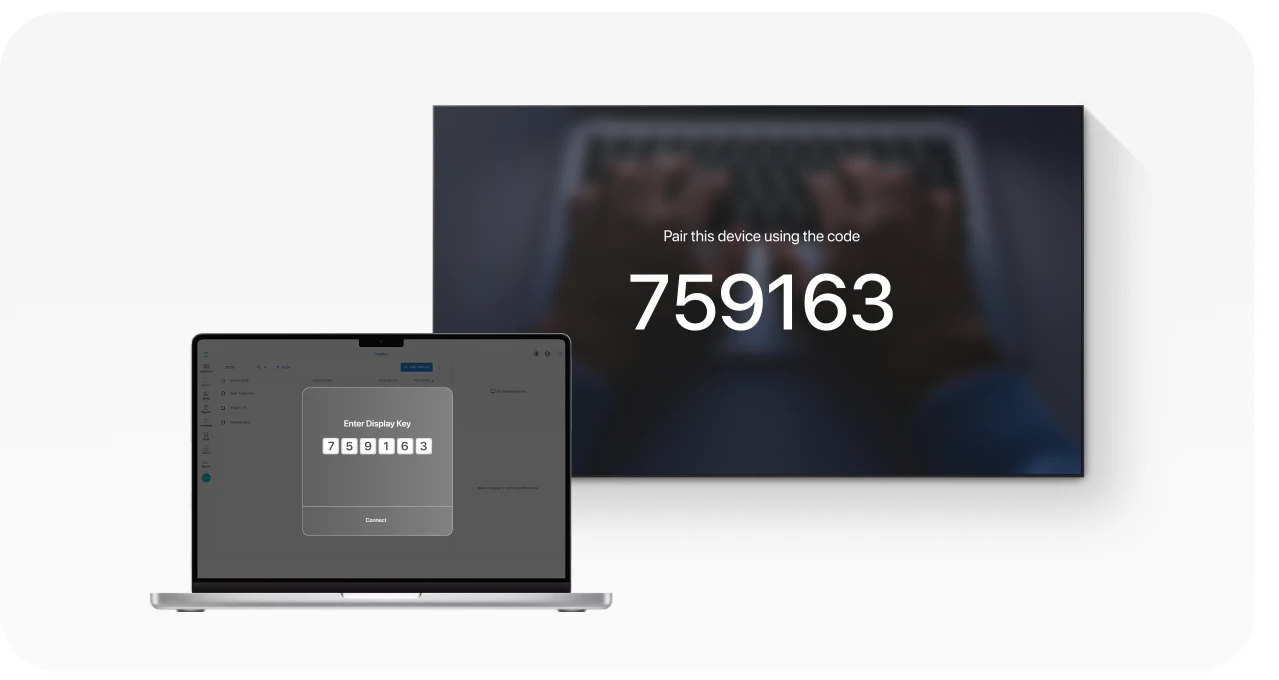
Post launch you will be presented with security key as shown above. This security key is needed to add a display in the CMS.
Step 6: Login
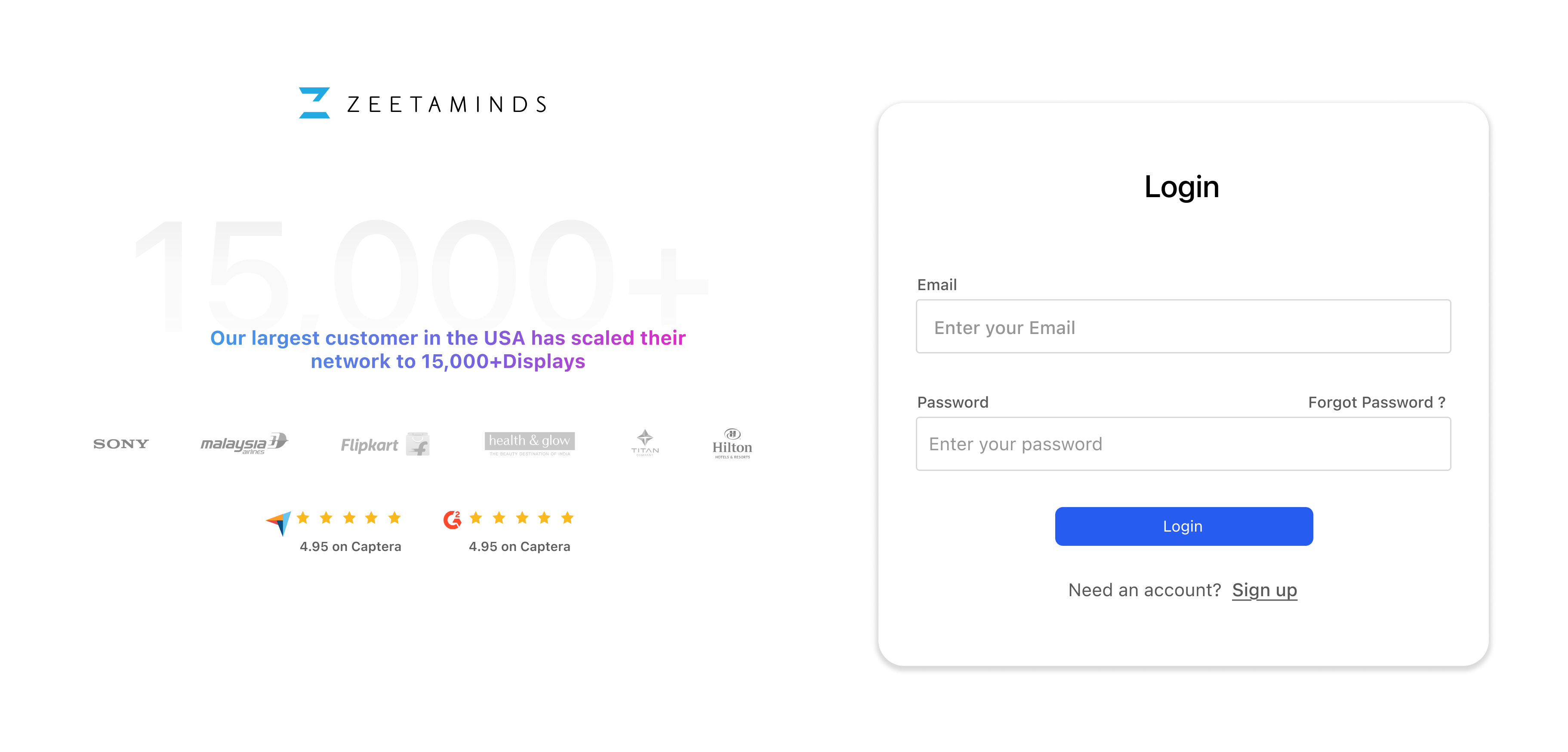
Step 7: Setup
Customer Voices
”
Most reliable Digital Signage Software out there.

Ranjit
Owner, Grandis Media